
利用多邊形圖層,絕對定位和置中呈現Landing Page
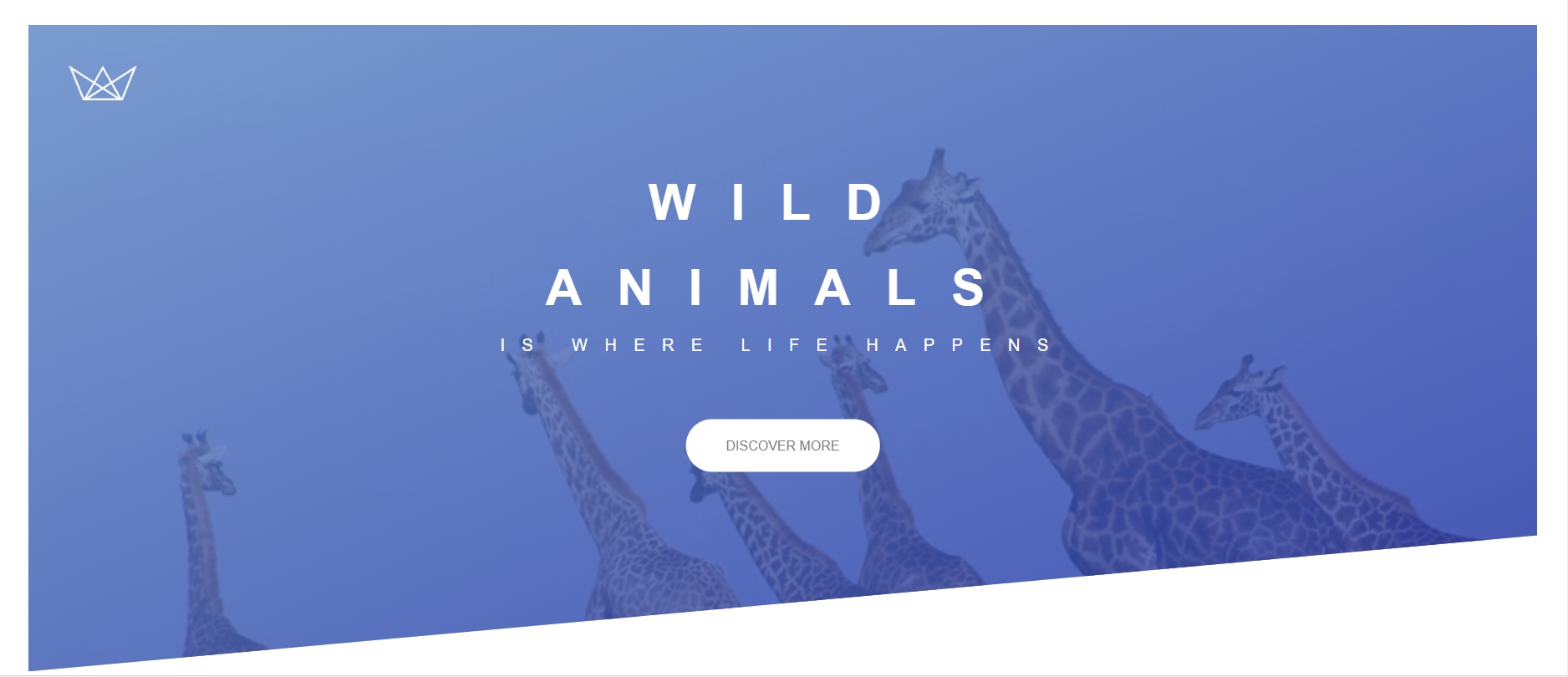
今天要介紹的是用css打造一個landing page中 header部分,我們先看看最後完成的頁面。
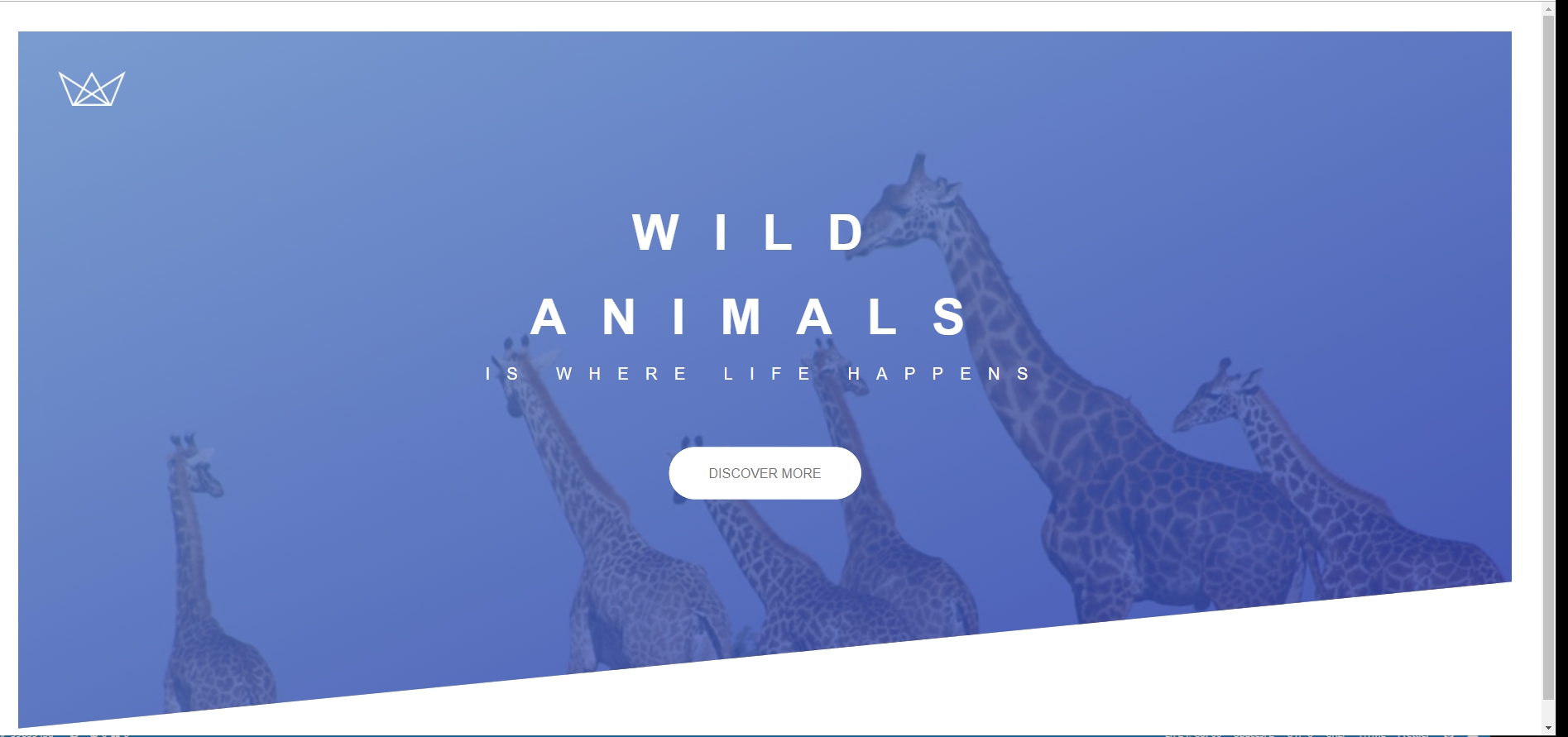
大概會用到製造效果的css包括:
- background-image: linear-gradient()
- Background-position
- clip-path: polygon()
- position
- transform: translate()
- 首先,先放上html代碼:
簡單的兩個區塊,logo區塊和 下方文字區塊。
<header class="header">

    <div class="header__logo-box">

      <img src="img/logo-white.png" alt="LOGO" class="header__logo" />

    </div>


    <div class="header__text-box">

      <h1 class="header-primary">

        <span class="header-primary--main">Wild Animals</span>

        <span class="header-primary--sub">is where life happens</span>

      </h1>

      <a href="#" class="btn btn--white btn--animate">

          Discover More

      </a>

    </div>

  </header>
2. 再放上基本css:
設定文字大小及內外距。
* {

margin: 0;

padding: 0;

box-sizing: inherit;

}

html{

font-size: 62.5%;

}

body {

font-family: "Niramit", sans-serif;

font-weight: 400;

/* font-size: 1.6rem; */

line-height: 1.7;

color: #777;

padding: 3rem;

box-sizing: border-box;

}
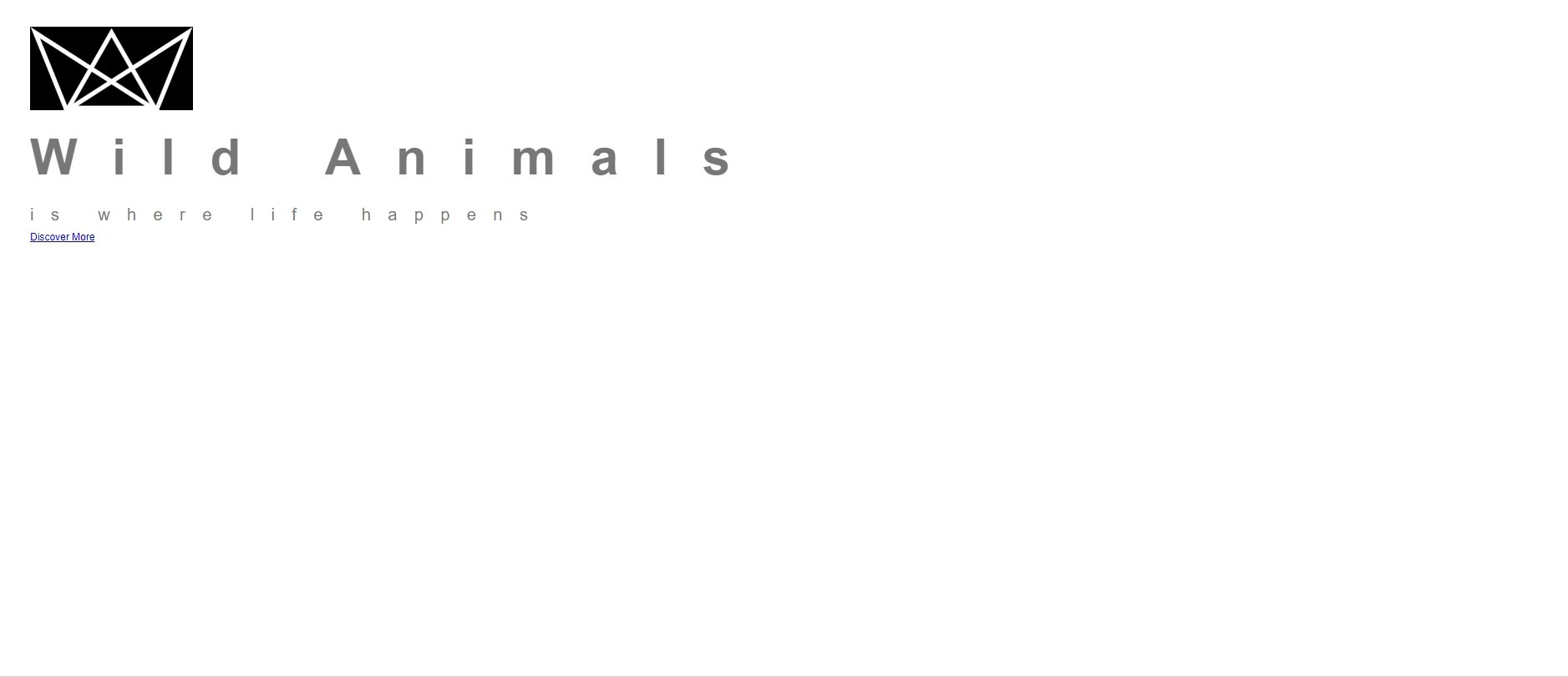
畫面如下:
(logo 先設定背景為黑色,讓大家看得到)
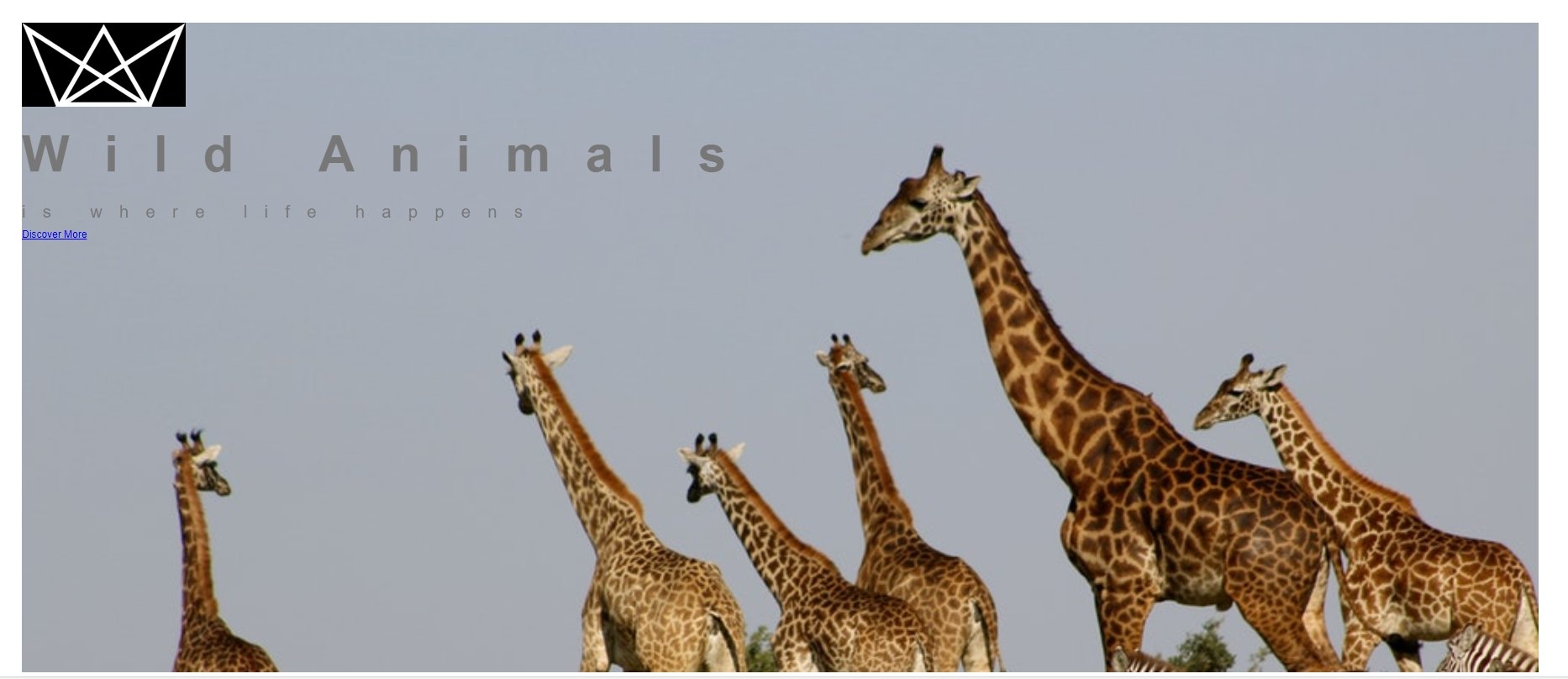
3. 接著先給背景圖片:
並給高度,使其延展。
.header {

background-image:url(../img/giraffe.jpg);

height: 95vh;

background-size: cover; }
此時畫面為:
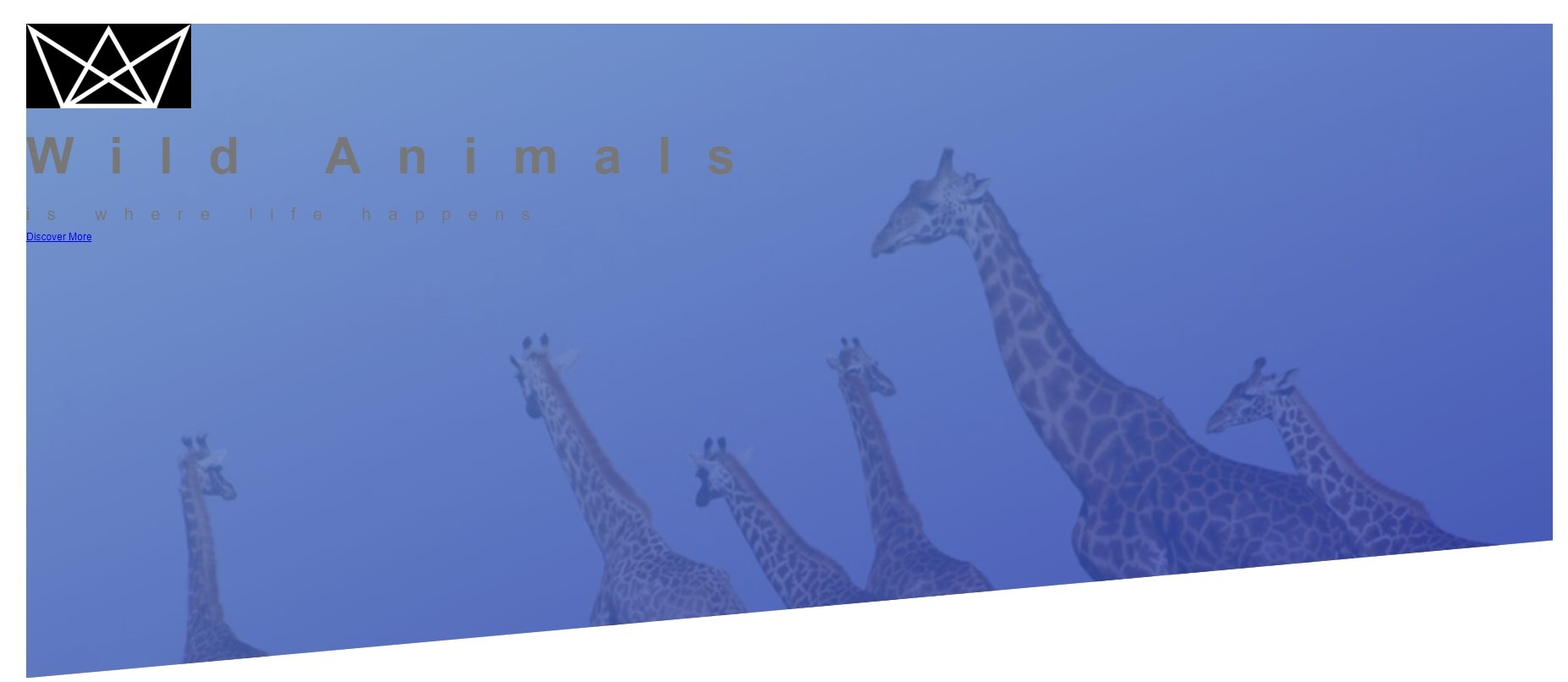
4. 在background-image上再疊上一層漸層顏色做效果(左上至右下),並讓選取圖片範圍由頂部優先。
再利用clip-path: polygon();切出一個梯形範圍。
.header {

height: 95vh;

background-image:

 linear-gradient(

    to right bottom,

    rgba(111, 152, 213, 0.8),

    rgba(40, 61, 180, 0.8)

  ),

  url(../img/giraffe.jpg);

background-size: cover;

background-position: top;

clip-path: polygon(0 0, 100% 0, 100% 75vh, 0 100%);

}
背景部分的效果完成。
5. 接下來是內部區塊:
用絕對定位讓內部區塊定位在想要在的地方。
首先必須外層先做定位設定:
.header { position: relative;}
6.在做內層文字區塊定位,在設定文字顏色大小、外距:
.header__text-box {

position: absolute;

top: 45%;

left: 50%;

transform: translate(-50%, -50%);

text-align: center;

font-size: 1.6rem;

}

.header-primary {

color: #fff;

text-transform: uppercase;

margin-bottom: 6rem;

}

.header-primary--main {

display: block;

font-size: 6rem;

font-weight: 700;

letter-spacing: 3.5rem;

}

.header-primary--sub {

display: block;

font-size: 2rem;

font-weight: 400;

letter-spacing: 1.7rem;

}
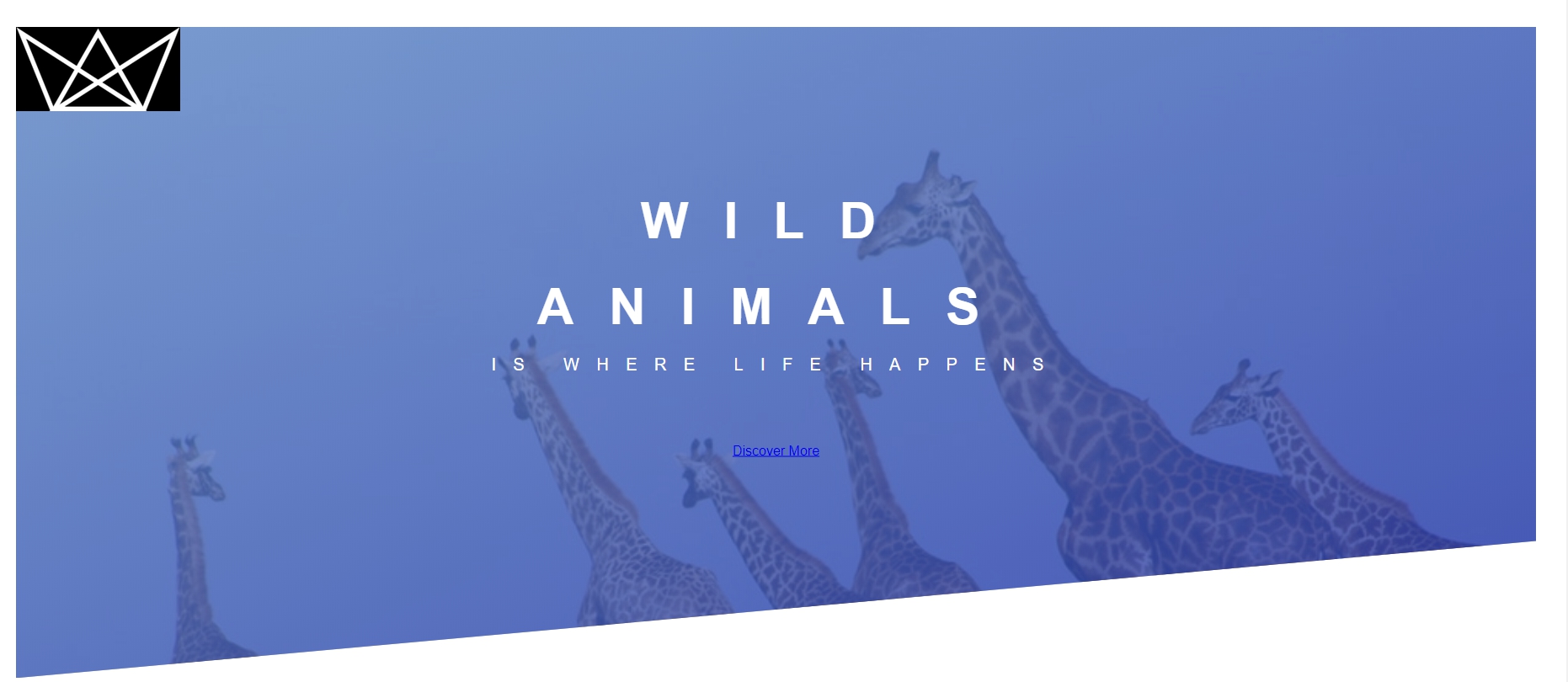
文字區塊完成整個版面頁差不多了:
7.接著,剩下方案按鈕和logo定位。
按鈕的CSS設定(分開寫是為了更輕易製造一個顏色不同型是相同的按鈕):
.btn

{

  text-transform: uppercase;

  text-decoration: none;

  padding: 1.5rem 4rem;

  display: inline-block;

  border-radius: 10rem;

}

.btn--white{

  background-color:#fff;

  color: #777;

}
8. logo定位(把故意給的背景顏色拿掉):
.header__logo-box {

position: absolute;

top: 4rem;

left: 4rem;

}


.header__logo {

height: 3.5rem;

}
一個簡單的landing-page header部分完成了。
未來還會與大家分享更多網頁設計的教學,別忘了追蹤我們的粉絲專頁,就可以得到最新消息喔!





我要留言